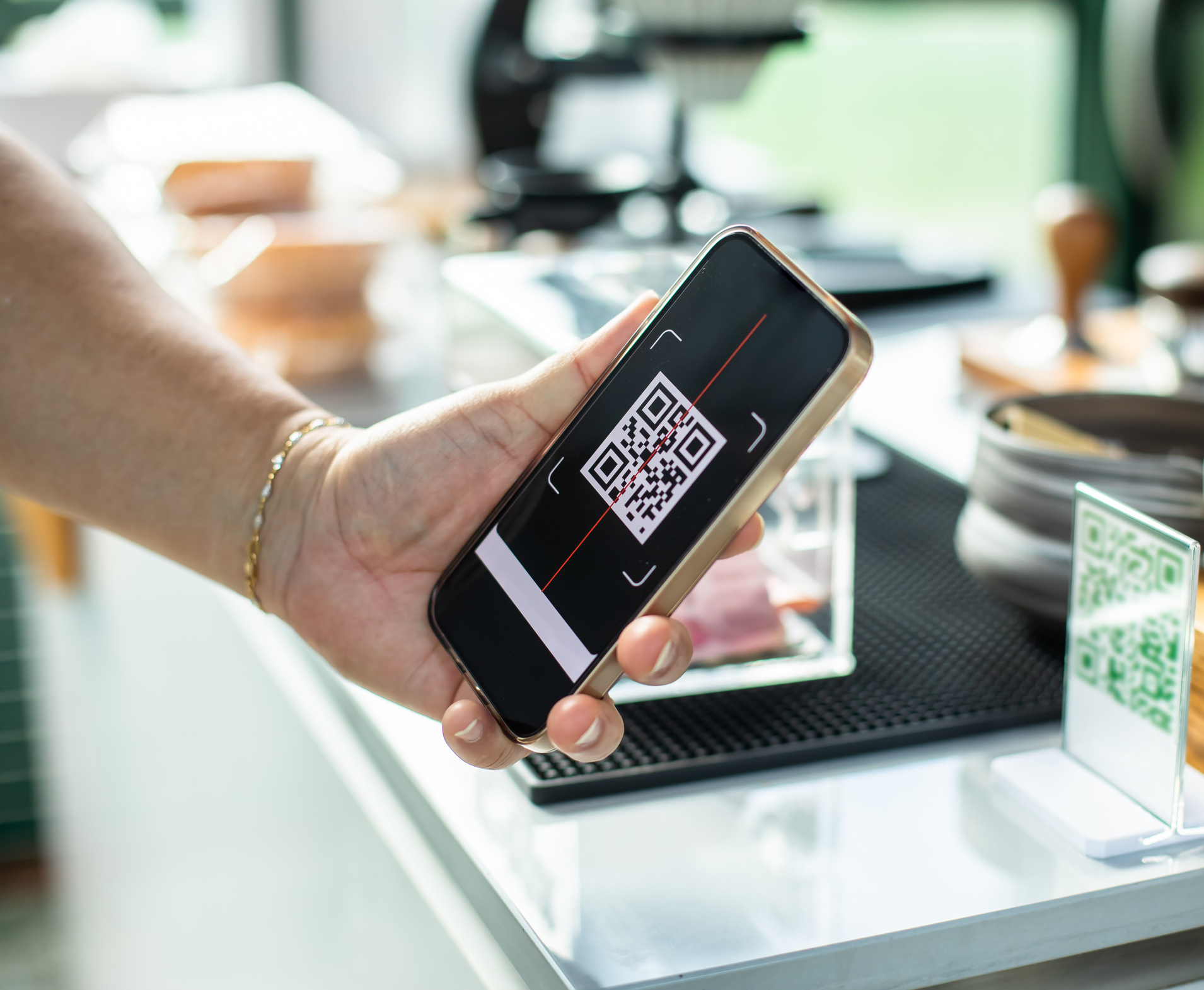
Quishing Alert: How Fake QR Codes Steal Your Personal Info
QR codes have seamlessly woven themselves into the fabric of our daily lives. From quick payments at cafes and accessing restaurant menus to boarding passes and exclusive content, these seemingly innocuous squares have revolutionized convenience. They offer instant access, simplifying tasks that once required manual input. However, this very ubiquity and convenience have paved the way for a sinister evolution in cybercrime:
quishing, a sophisticated form of phishing that leverages fraudulent QR codes. The rise of a
Qr Falso – a fake QR code – presents a significant threat, capable of compromising your digital security, stealing personal data, and leading to substantial financial losses. Understanding this evolving danger is paramount in protecting yourself from digital deception and harm.
Understanding Quishing: How Qr Falso Schemes Operate
Quishing exploits the inherent trust and ease associated with QR code technology. Unlike some specialized QR codes designed with password protection or advanced security features, the malicious QR codes used in quishing are crafted for easy scanning and widespread victimisation. Cybercriminals strategically place or distribute these misleading codes, banking on users' familiarity and quick action to bypass critical thinking.
The Mechanics of a Fake QR Code Attack
The operation of a
Qr Falso is cunningly designed to trick users into actions that benefit the scammer, primarily through three common tactics:
-
Redirecting to Phishing Sites: Once scanned, a fraudulent QR code often redirects you to a website that appears to be legitimate. This could mimic your bank's login page, a popular social media platform, an e-commerce site, or a government service portal. These meticulously crafted fake sites are designed to harvest your sensitive information, such as login credentials, passwords, credit card numbers, or other personal details you might input. The subtle differences between the real and fake URLs are often overlooked in a hurry.
-
Distributing Malware: A more insidious outcome of scanning a fake QR code is the direct download of malware onto your device. This malicious software can range from spyware that tracks your online activity and keystrokes, to ransomware that locks your files, or even viruses that damage your device. Once installed, malware can quietly steal personal information, compromise your accounts, or turn your device into a tool for further attacks.
-
Promoting Elaborate Scams: Many fake QR codes link to websites that promote fraudulent offers, tantalizing discounts, or urgent "prize" notifications. These scams often employ psychological tactics, such as urgency ("Limited-time offer!"), scarcity ("Only 3 left!"), or fear ("Your account is suspended!"), to pressure you into acting without critical thought. They might ask you to share personal details, send money to claim a prize, or click on additional malicious links, further entangling you in the fraud.
The "Fake Package" Quishing Modality: A Real-World Threat
One of the most concerning and increasingly prevalent quishing schemes involves unexpected packages. Authorities, such as the Secretaría de Seguridad Ciudadana de la CDMX (SSC-CDMX) and their Cyber Police, have issued urgent warnings about this specific modus operandi, which has seen a significant increase. This scam, designed to steal your data and finances, unfolds in three calculated stages:
-
The Send: An unsolicited package, box, or envelope arrives at your doorstep. You didn't order it, and you're not expecting it. It might bear a legitimate-looking but subtly altered logo of a well-known delivery company.
-
The Hook: The package includes a note or label with a prominent QR code. The instructions urge you to scan this code to "validate delivery," "confirm receipt," or "resolve an issue" with the package. This is the critical moment where the Qr Falso lays its trap.
-
The Steal: Upon scanning the fraudulent QR code, you are redirected to a convincing but fake website. This site might ask for your "delivery details," "payment verification," or "personal information" to complete the delivery or resolve the supposed issue. Unbeknownst to you, the data you enter is immediately captured by the criminals, leading to identity theft, financial fraud, or further cyberattacks.
This "fake package" scam highlights the importance of scrutinizing unexpected deliveries and never acting on urgent, unverified requests.
Detecting a Qr Falso: Your Shield Against Digital Deception
Distinguishing between a legitimate QR code and a fake one that leads to phishing scams or other cyber fraud is your primary defense. By being aware of key characteristics and employing digital caution, you can significantly reduce your risk.
Visual Cues and Physical Inspection
Before you even think about scanning, take a moment to visually inspect the QR code and its surroundings:
-
Clarity and Quality: Legitimate QR codes from reputable sources are almost always clear, crisp, and well-printed. A blurry, pixelated, distorted, or poorly printed Qr Falso is a significant red flag. Low-quality printing often indicates a hastily produced fake.
-
Signs of Tampering: Carefully examine the QR code for any signs of physical alteration. Look for stickers placed over existing QR codes, labels that appear to be peeling, or codes that are crooked, misaligned, or covering up original text. Criminals often print a fake QR code on a sticker and place it over a legitimate one.
-
Placement and Context: Consider where the QR code is located. Does its presence make sense in that context? A QR code on an official utility bill is expected, but one taped to a random street lamp promoting an unbelievable offer should immediately raise suspicion. If it's on an official document, check if it looks integrated with the design or if it's an add-on.
Digital Vigilance Before You Scan
Even if a QR code looks legitimate, exercise digital caution before proceeding:
-
Preview the URL: Many modern QR scanner apps and smartphone cameras offer a URL preview before navigating to the site. Always take advantage of this feature. Examine the displayed URL carefully. Is it the official domain you expect (e.g., `yourbank.com`)? Be wary of slight misspellings (typosquatting, like `yourrnbank.com`), extra characters, or domains that look suspicious (e.g., `yourbank.xyz` instead of `.com` or `.org`).
-
Consider the Source: Is the QR code originating from a trusted and verified source? If it's from an unfamiliar company, a random email, or an unexpected social media post, exercise extreme caution. Official channels are always best.
-
"Is This Expected?" Test: Ask yourself: Did I initiate this interaction? Am I expecting a package? Did I request a payment QR code from this vendor? If the answer is no, be very suspicious.
-
Verify with an Alternative Method: If you're unsure about the legitimacy of a QR code, find the information through an alternative, trusted method. Go directly to the company's official website by typing the URL into your browser, or call their official customer service number. Never rely solely on a QR code from a suspicious source.
Actionable Steps to Protect Yourself from Quishing
Being proactive is your best defense against quishing and other QR code-based scams. Here’s how you can shield your personal information and finances:
-
Never Scan Unsolicited QR Codes: This is the golden rule. If you receive an unexpected package, email, or message containing a QR code, assume it's suspicious. Do not scan it.
-
Avoid Entering Sensitive Data Prematurely: Be extremely cautious about inputting passwords, bank details, or other personal identifying information after scanning any QR code, especially if you were not expecting to do so. Always double-check the URL.
-
Verify Before Acting: If a QR code prompts you to make a payment, confirm delivery, or update personal details for an unexpected item, *stop*. Instead, independently verify the request by logging into your courier accounts directly through their official website, or contacting the sender using publicly available contact information.
-
Keep Software Updated: Regularly update your operating systems, web browsers, and antivirus software on all your devices. These updates often include critical security patches that protect against new forms of malware and vulnerabilities.
-
Use a Reputable QR Scanner App: Some third-party QR scanner apps offer enhanced security features, such as URL previewing, safety checks, and basic phishing detection, adding an extra layer of protection.
-
Report Suspicious Activity: If you encounter a suspicious Qr Falso or believe you've been targeted by a quishing attempt, document all information (photos, screenshots) and report it to local cyber police or relevant authorities. Your vigilance helps protect others.
For more detailed strategies to safeguard your data, you can refer to our guides on
Detect Fake QR Codes: Protect Your Data from Cyber Scams and
QR Code Scams: Guard Your Finances & Privacy Against Fraud.
Conclusion
While QR codes continue to offer unparalleled convenience in our digital lives, they also represent a growing attack vector for cybercriminals. The threat of quishing, driven by the proliferation of a
Qr Falso, underscores the critical need for heightened awareness and digital literacy. By understanding how these scams operate, recognizing the tell-tale signs of a fake QR code, and adopting proactive security habits, you can effectively defend your personal information, financial well-being, and digital identity against this evolving threat. Stay vigilant, stay informed, and always think before you scan.